How to Login to EasySignage account manager?
- Only pre-approved users can access EasySignage Account Manager.
- Use your admin email address to Sign in using 2 options:
1- Click on Sign In with Google if you registered to EasySignage using Google (Gmail / Gsuite).
2- Enter you email address and password if you registered to EasySignage using an email address and password, then click on Login.
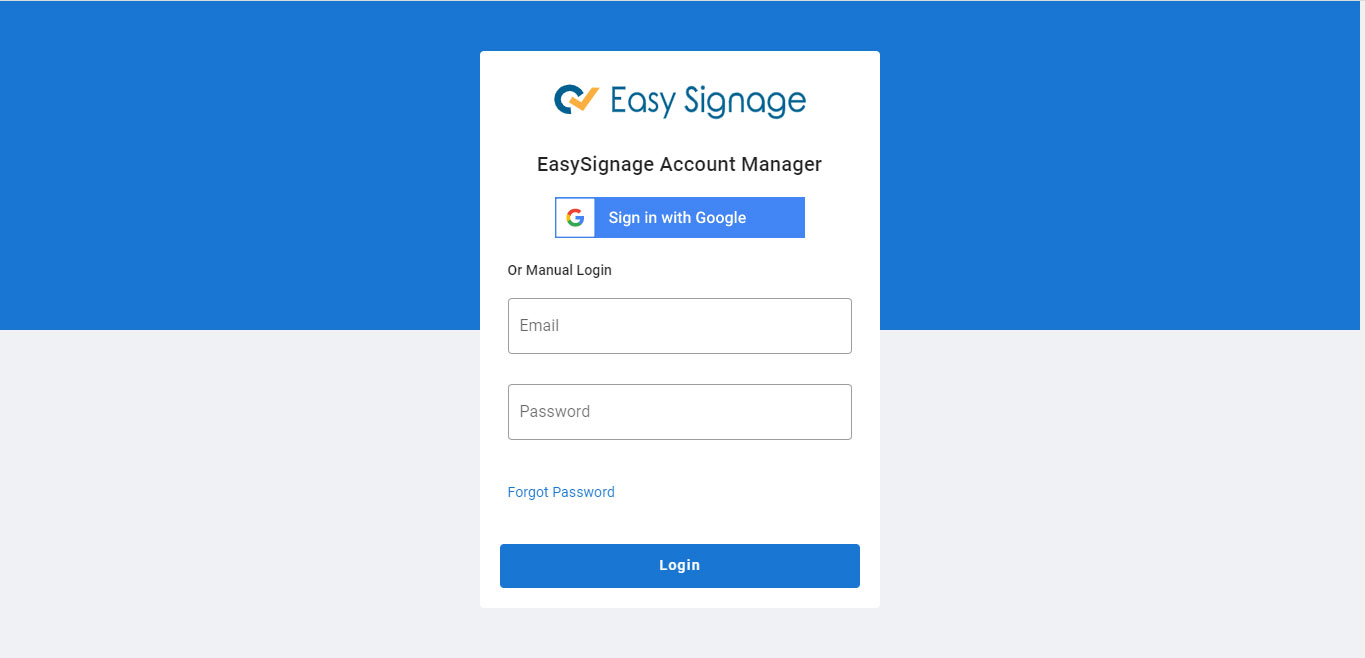
If you need to reset your password, click on Forgot Password, enter your email address and click on Submit. An email will be sent to you to help you reset your passowrd.